

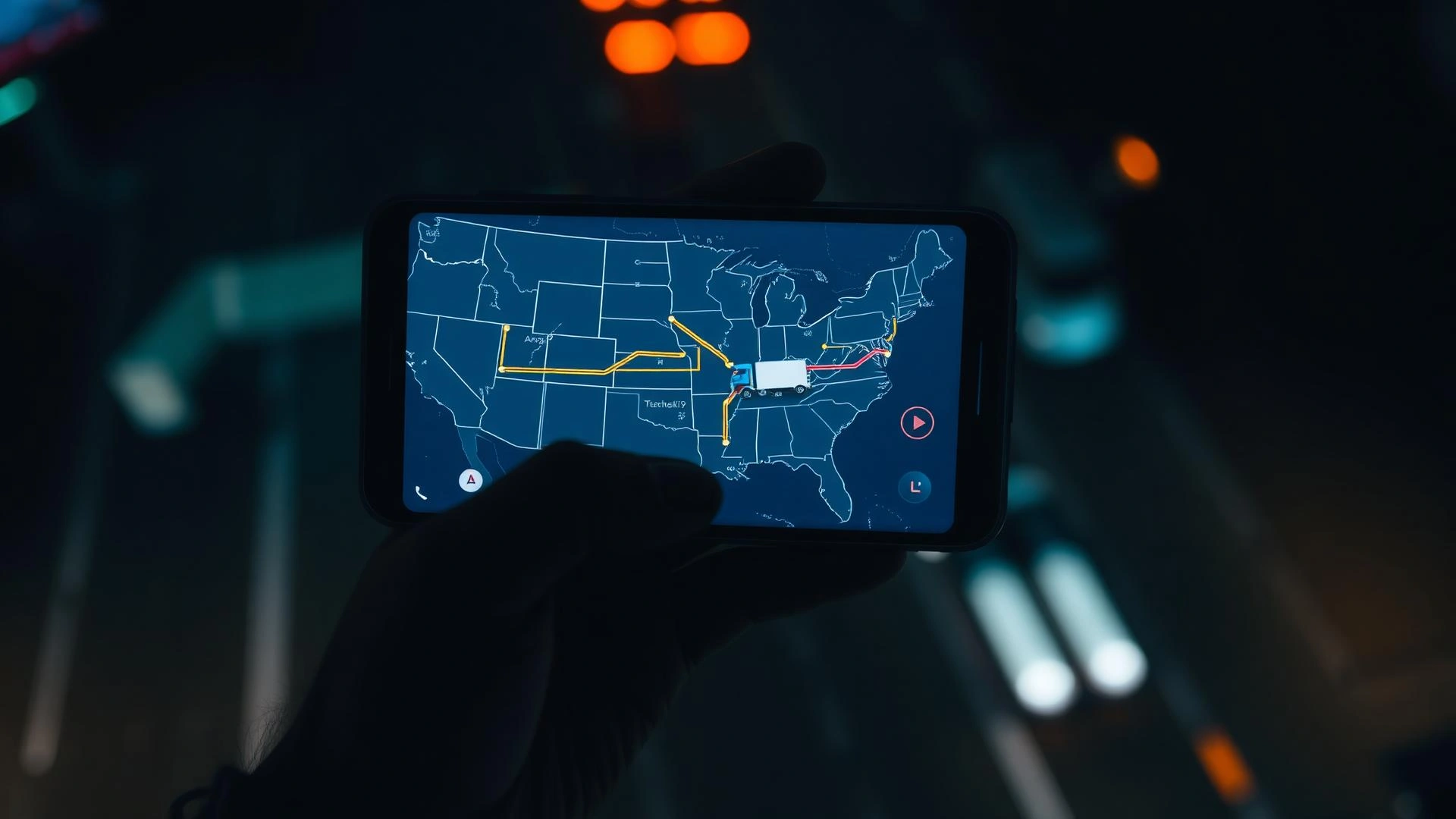
Track your shipment — real-time GPS and status updates
Enter your booking reference or the email used to book. No login required.
No booking reference? Call +1 (937) 238-6889 or email support@carshippers.ai
What you'll see
Status card with vehicle, route, GPS, carrier contact and estimated delivery — fully legible on a phone.
 Live · updated 14 min ago
I-40 W · 87 mi from Albuquerque, NM
2024 BMW M3 Competition
Dallas, TX → Los Angeles, CA
Tue, Apr 21 · 2–6 PM PT
- Booked
- Pickup scheduled
- Picked up
- 4In transit
- 5Out for delivery
- 6Delivered
How it works
To understand what you're seeing on your tracking card, it helps to know how car shipping works. CarShippers.ai is an FMCSA-licensed auto transport broker — your tracking page goes live the moment a carrier is matched to your shipment.
Carrier GPS updates every 4 hours
During active transit the tracker always shows the last confirmed location and timestamp — so you're never left guessing where your car is.
SMS notifications at every milestone
Pickup confirmed, 24 hours before delivery, and delivered. Opt in during booking or contact support at any time.
Carrier's direct contact on your card
Your driver's phone number and carrier dispatch are visible as soon as a carrier is assigned — no middleman needed.
Bill of Lading linked in your dashboard
Pickup BOL uploaded within 2 hours of vehicle pickup. Delivery BOL follows within 24 hours of drop-off.
CarShippers.ai has shipped thousands of vehicles across the lower 48. Read what customers say about their experience.
Your tracking card
Your tracking card is fully mobile-optimized. Here's every piece of information it contains.
| Field | What It Shows |
|---|---|
| Vehicle | Year, make, model, and VIN (last 6 digits) |
| Route | Origin city/state → Destination city/state |
| Current location | Last GPS point with highway, mile marker, and timestamp |
| ETA | Estimated delivery window (day + time range) |
| Status | Current stage in the 6-step timeline |
| Carrier name | Company name, MC number, truck type, and capacity |
| Driver phone | Direct line for day-of coordination |
| Dispatch email | Carrier office contact for non-urgent questions |
| Pickup BOL | Downloadable PDF of signed pickup condition report |
Plain-English status explainers
Each stage in your timeline, demystified — so you know exactly where your car is.
Booked
Your shipment is in our system. A specialist is matching you to the best-fit carrier on your lane.
Pickup scheduled
A carrier has accepted your shipment and a pickup window is confirmed. You'll get a 24-hour heads-up before pickup.
Picked up
Your vehicle is on the truck. The Bill of Lading has been signed and we have a pickup condition photo set on file.
In transit
Your vehicle is loaded on the carrier and actively moving toward your destination. The carrier's GPS updates every 4 hours.
Out for delivery
The carrier is within 24 hours of your destination. Expect a phone call to coordinate the final drop window.
Delivered
Your vehicle has been delivered and the BOL is signed. Final invoice and delivery photos are in your dashboard.
Open vs. enclosed
Tracking works the same on both. Both carrier types use GPS-enabled trucks and follow the same 6-stage milestone system.
Open carrier transport
The industry standard for most U.S. vehicle shipments and the default for most CarShippers.ai orders.
Enclosed transport
Recommended for high-value vehicles, classic cars, and exotics that need full protection.
If you're unsure which option your booking used, check your confirmation email or call our team at +1(937) 238-6889..
Three ways to reach a specialist
Self-serve tracking is fastest, but our team is one click away.
Chat with a specialist
Live chat, average response under 30 seconds.
Call +1(937) 238-6889.
24/7 retail line. English and Spanish support available.
support@carshippers.ai
Average reply within 4 hours. Faster on weekdays.
Common tracking questions
Four things every customer asks while watching the map.
In transit means your vehicle is loaded on the carrier and actively moving toward your destination. The carrier's GPS updates every 4 hours.
Location updates every 4 hours during active transit. The tracker shows the last confirmed GPS point and timestamp.
If your estimated delivery window has passed, contact your CarShippers.ai specialist directly — their number is shown on your tracking card.
Your carrier's name and direct phone number are shown on your tracking card after pickup is confirmed.